
IT’S HERE!
THE SWITCH APP
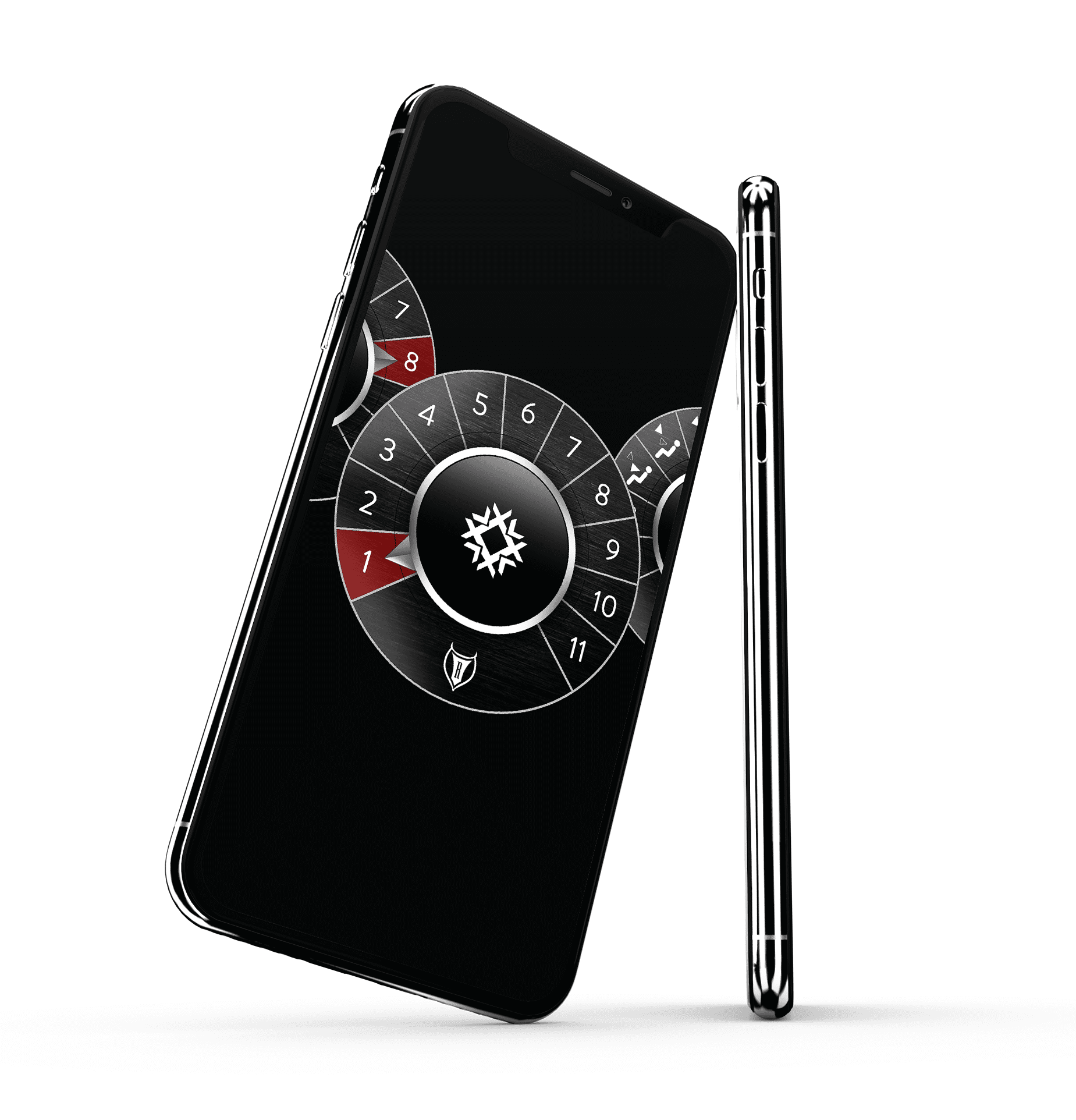
Use your iOS or Android device to change your mode, temp, speed, check your diagnostics and more. The Restomod Air app provides instantaneous wireless control and feedback of your a/c unit via Bluetooth.
FEATURES
BLUETOOTH
The Restomod Air app works with your mobile device by establishing a secure Bluetooth connection providing instantaneous wireless control & feedback of your Restomod Air system. As we advance our technology, so can your a/c system.
SWITCH TECHNOLOGY
Switch Technology allows you to bounce back and forth between the app, hard control and remote control. You do not have to pick from a controller mounted in your dash, remote control or having the app downloaded on your mobile device.
REMOTE CONTROL
Using the app as a remote control is simple. Once establishing the bluetooth connection, all you have to do is open your Restomod Air app and adjust the dials to your desired settings.
ADVANCED DIAGNOSTICS
With the advanced diagnostics feature of the app, you can see how your system is functioning, self-diagnose and troubleshoot.

ANDROID INSTALLATION VIDEO
You can watch the Step by Step installation video for you Android devices here.
ANDROID SETUP
First things first, you need to install the app and establish a connection to your Restomod Air a/c system. Follow these steps to do so:
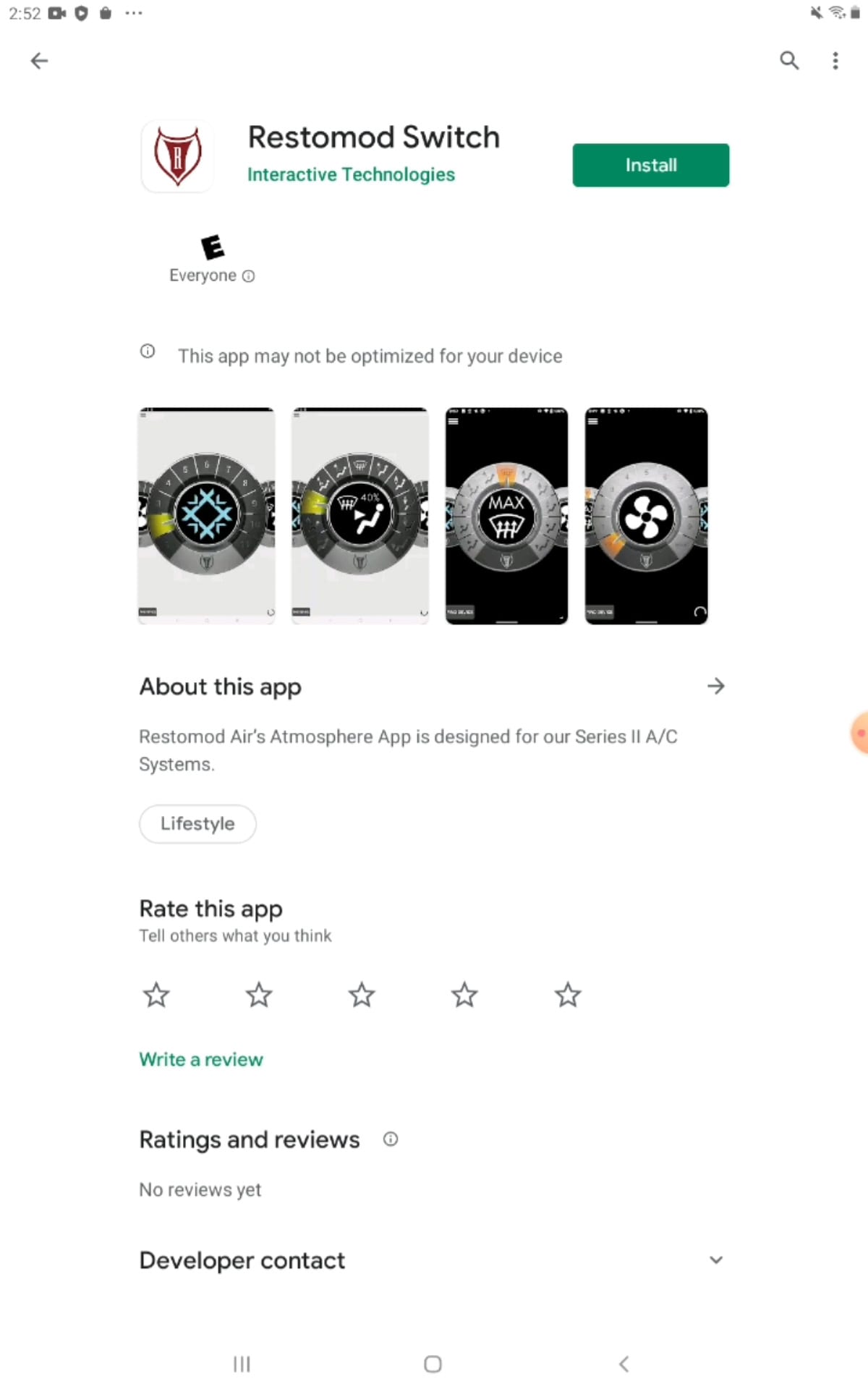
1. GO TO GOOGLE PLAY STORE
Within Google Play store search “Restomod Switch”

2. DOWNLOAD APP
Download and install the app.
3. LAUNCH THE APP
First time launching the app Privacy settings will ask permission for the device such as location, take pictures, access media. (We’re not tracking you and we don’t really care where you go and what you do, we also are not looking at your embarrassing photos on your phone, even the ones you should have deleted…..)

iOS INSTALLATION VIDEO
You can watch the Step by Step installation video for you iOS devices here.
iOS SETUP
First things first, you need to install the app and establish a connection to your Restomod Air a/c system. Follow these steps to do so:
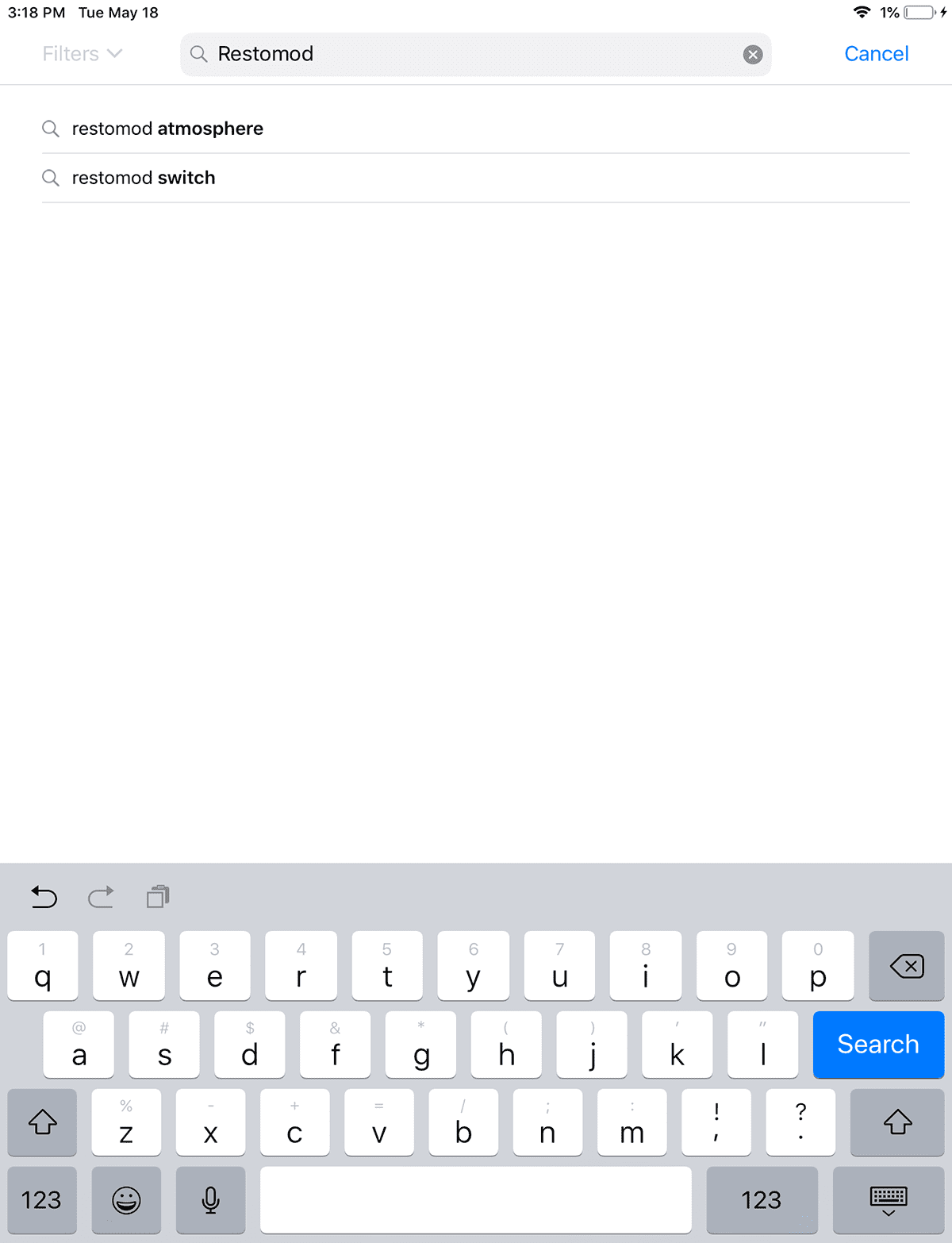
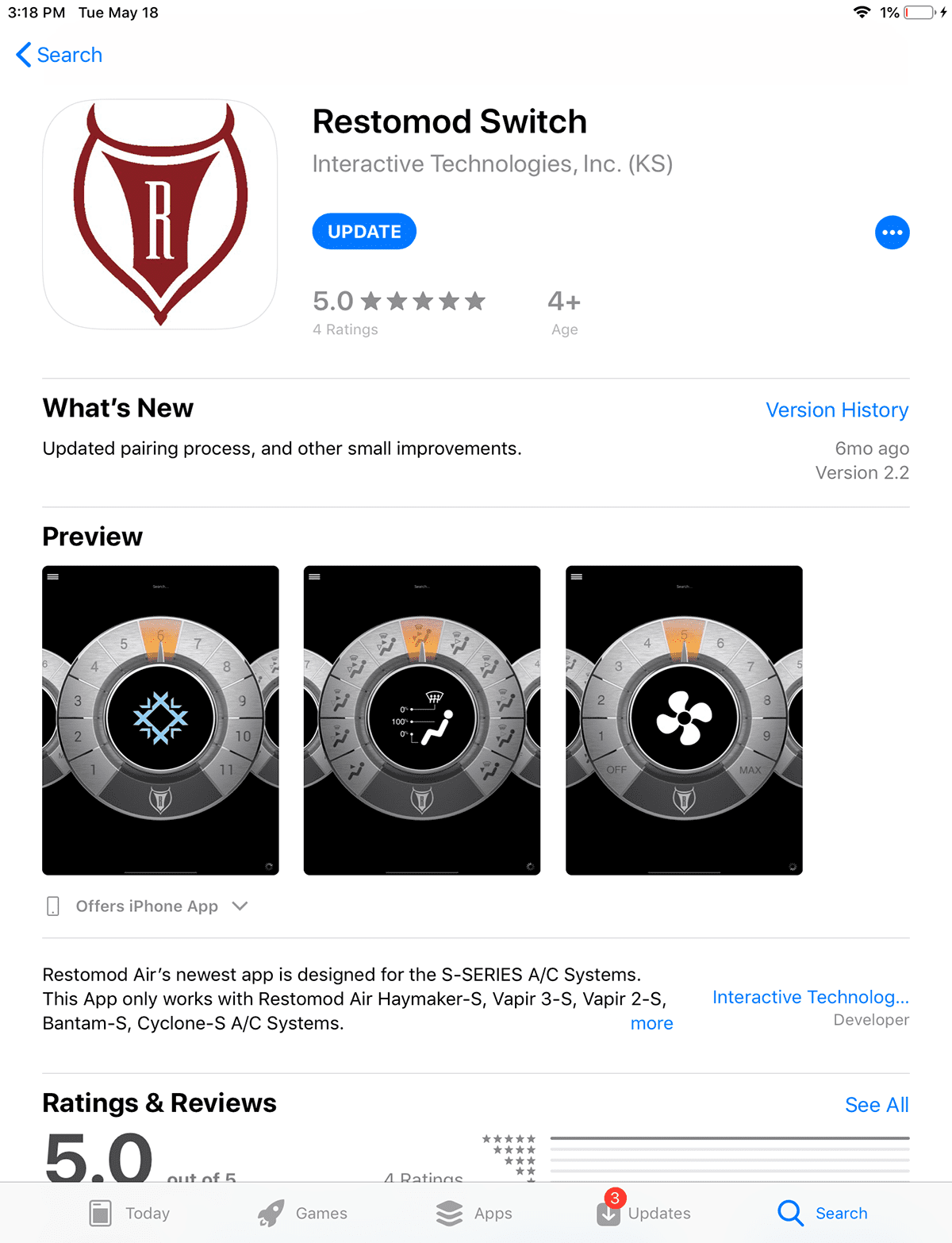
1. GO TO APPLE APP STORE
Within Apple App store search “Restomod Switch”.
Download the app via the Apple App Store here.
2. DOWNLOAD APP
Download and install the app
3. LAUNCH THE APP
Launch the app